







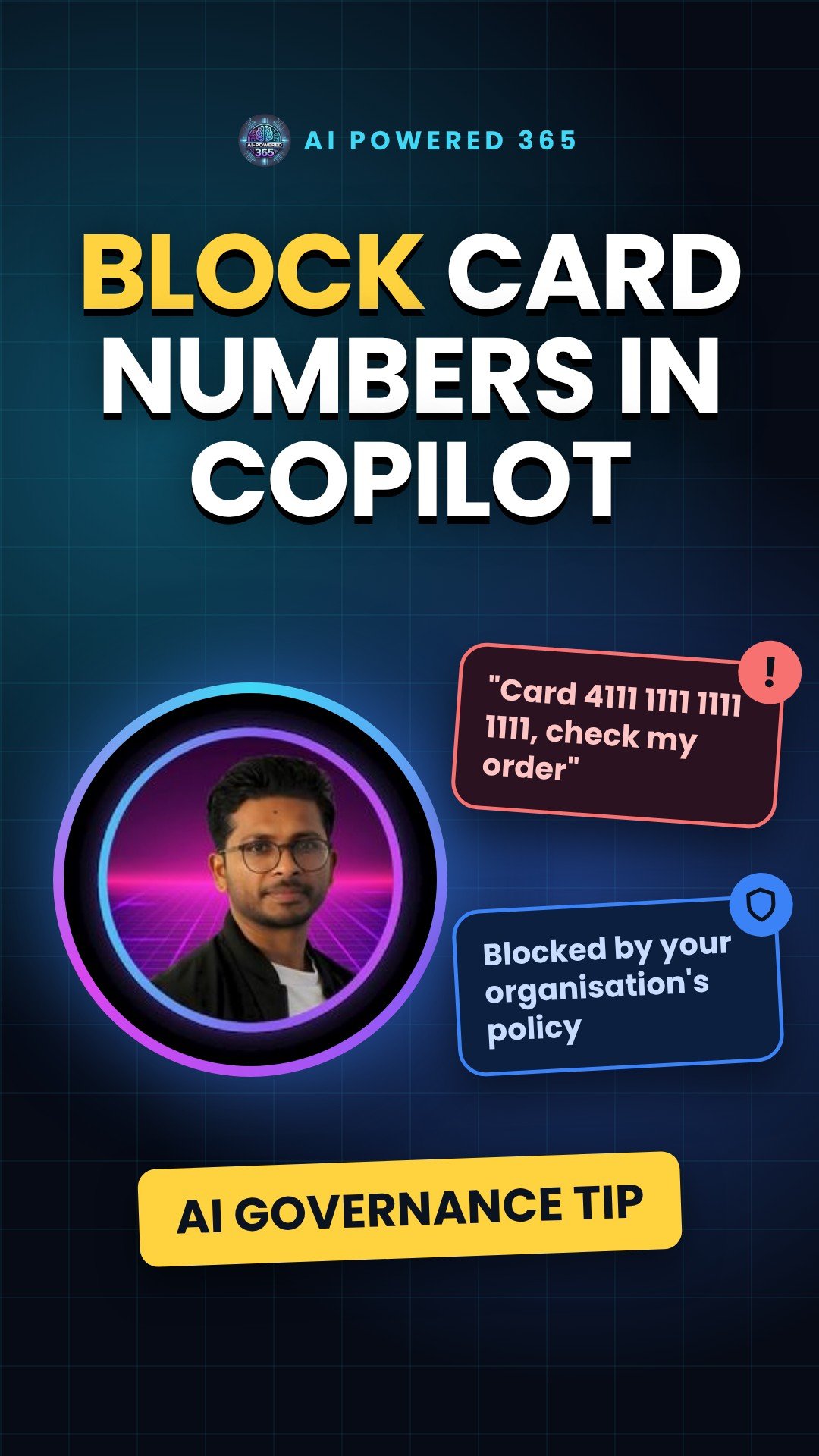
Stop sensitive data in Copilot prompts: Purview DLP (preview)
People paste all sorts into AI chats: credit card numbers, passport numbers, project code names. Usually by accident. A Microsoft Purview Data Loss Prevention (DLP) control, now in preview and rolling out, can stop Copilot processing those prompts.
Think of airport security
Your prompt is the bag. The DLP policy is the scanner. If the scanner spots a banned item, the bag doesn’t fly.
How it works
- An admin picks what to detect. The rule uses the condition “Content contains sensitive information types”. That can be a built-in type, such as credit card numbers, or a custom type you create.
- Copilot checks typed prompts. It covers Microsoft 365 Copilot, Copilot Chat, Cowork, and Copilot in Word, Excel and PowerPoint. It is not a filter for every Copilot product.
- A match means no processing. Copilot doesn’t respond, the prompt isn’t used for internal or web searches, and the user sees a message that the request is blocked by organisational policy.
Where to set it up
In the Microsoft Purview portal, go to Data Loss Prevention, Policies, Create policy. Choose the Custom template and Custom policy. On the Locations page, turn on Microsoft Copilot, Copilot Chat, and Copilot Cowork. Add a rule with the sensitive information types condition and the action Prevent Copilot and Cowork from processing content, Processing prompts. Roles that can do this include Purview Compliance Administrator and Purview Data Security AI Admin.
Good to know
- Simulation mode runs the policy as if it were enforced, without actually blocking anything. Test there, then turn the policy on.
- Policy changes can take up to four hours to reach Copilot.
- For now, this rule checks the text typed into the prompt. It doesn’t scan files uploaded directly into prompts.
- Files with sensitivity labels can already be kept out of Copilot with separate label rules. You can’t mix the label and sensitive information type conditions in one rule, so use separate rules in the same policy.
- On 17 November 2026 Microsoft announced protection for files attached or linked in prompts, and for unlabelled files Copilot uses, planned for public preview in January 2027.
- Status: the Learn page (updated 10 November 2026) says blocking sensitive information types in prompts is in preview and rolling out. Check it has reached your tenant.
Sources
- Learn about using Microsoft Purview Data Loss Prevention to protect interactions with Microsoft 365 Copilot, Copilot Chat, and Cowork, Microsoft Learn (updated 10 Nov 2026)
- Learn about data loss prevention simulation mode, Microsoft Learn
- Secure the data that fuels AI with Microsoft Purview, Microsoft Tech Community (17 Nov 2026)
One practical AI idea a day from AI Powered 365.
Share this content:












Post Comment