







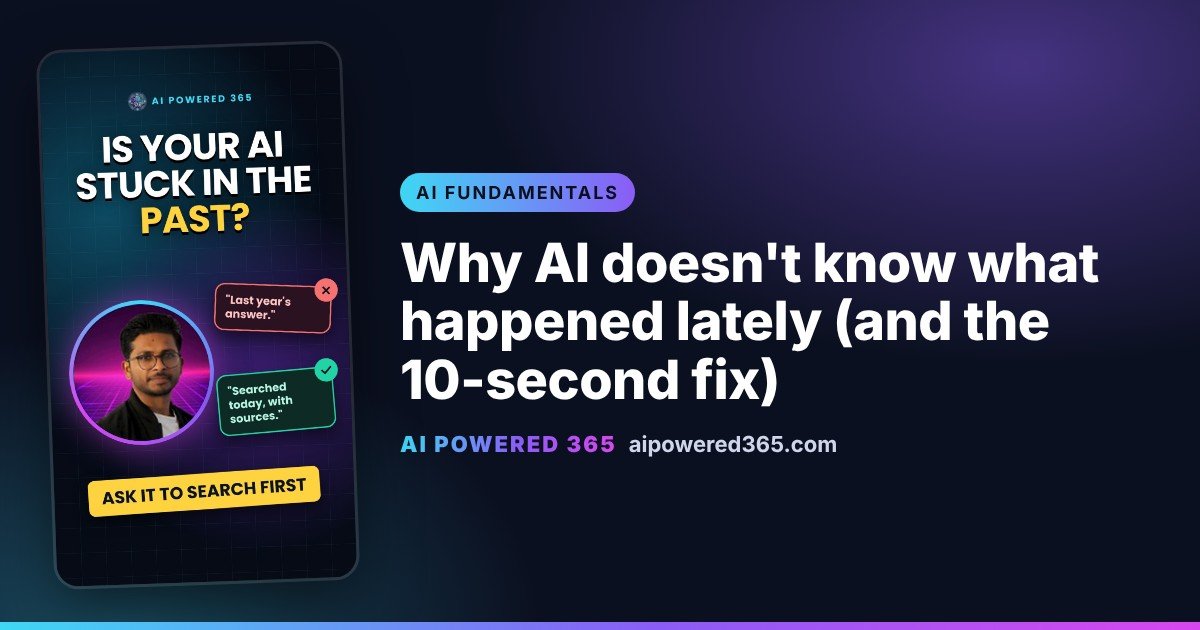
Why AI doesn’t know what happened lately (and the 10-second fix)
Ask an AI tool “what changed in the app update this week?” and you will often get a confident answer. Then you check, and it is describing an update from months ago. Why does that happen?
Why AI gives out-of-date answers
AI tools learn by reading a huge pile of text. That pile was collected up to a certain date, often called the cut-off. Everything the AI “knows” by itself comes from before that date. Anything newer, such as this week’s news, a new price or a changed rule, simply was not in the pile. Unless the tool searches the web or you give it the facts, it fills the gap with what it remembers, which can be old.
Think of a friend back from a year at sea
Imagine a friend who has just come home after a year on a ship with no internet. They are just as smart as before and know plenty, but only up to the day they left. Ask about this week’s news and they will guess from what they last heard. AI is the same: smart, just not up to date.
The tip: ask it to search first
For anything recent, add this line to your question:
“Search the web and show your sources.”
Most popular AI tools, including ChatGPT, Claude, Copilot and Gemini, can search the web when that option is turned on. The answer then comes with links you can click to check the facts and their dates yourself.
No search option? Share the facts
If your tool cannot search, or you are using an AI at work that is kept offline, paste the article, email or document into the chat and say “Use only this information.” Now it works from today’s facts, not old memory.
When to use it
- Product and software updates
- Prices, offers and opening times
- Rules, policies and deadlines
- News and anything that changes often
Something recent? Search or share the facts.
One practical AI idea a day from AI Powered 365.
Share this content:














Post Comment