







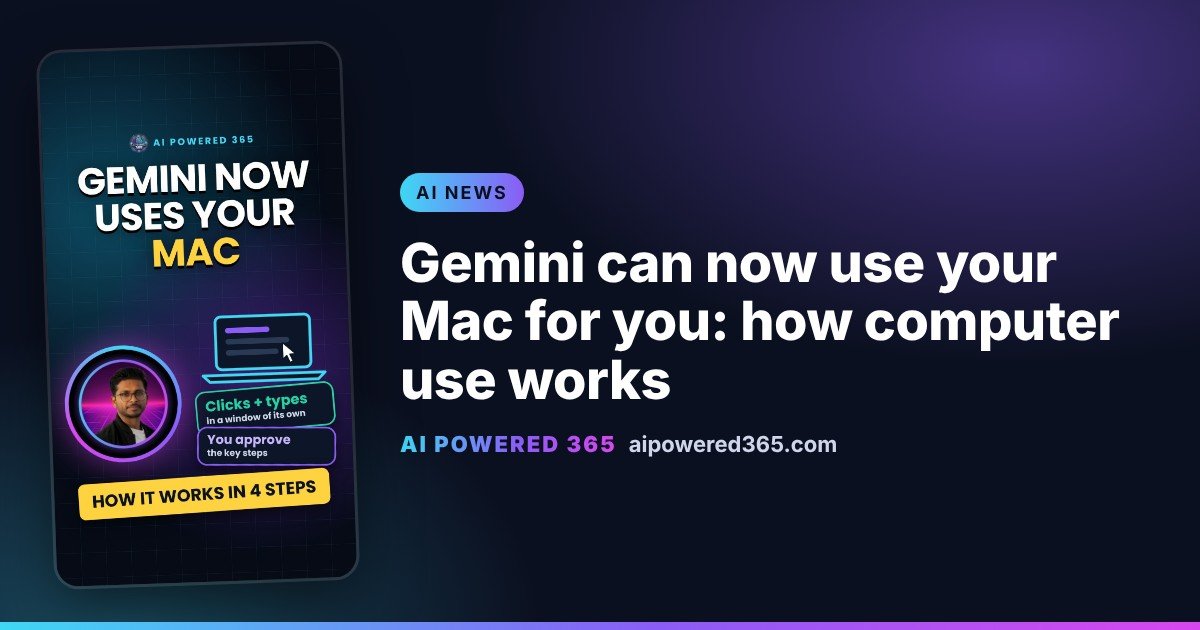
Gemini can now use your Mac for you: how computer use works
On 19 November 2026, Google started rolling out a feature called computer use in the Gemini app for Mac. Instead of only answering questions, Gemini can now do multi-step chores on your computer: it clicks, types, moves through menus and fills in forms across your local files, desktop apps and websites. Think of it as handing a to-do list to an assistant who sits at the desk next to yours.
How it works, step by step
1. Describe the job. You write what you need in plain words, for example “use the PDFs in my Shipping folder to fill in the courier’s quote form”.
2. Choose the apps. Google says you choose which apps Gemini can access, so only those are in reach.
3. It works in a separate window. Gemini works inside an isolated background window with a live preview in your chat. Your main screen and cursor stay free, so you can keep working or take a call.
4. You stay in control. You can watch every step live, approve key actions before they happen, and pause at any time.
What you could use it for
Google’s own examples include batch editing photos in design software, pulling weights and addresses from PDFs to fill in shipping quotes, turning live dashboard data into a Google Slides deck, and preparing items to list on resale sites.
Who can get it
Google says computer use is rolling out in English in the U.S. in the Gemini app for Mac. It is for Google AI Plus, Pro and Ultra subscribers with personal Google accounts (18+), and needs an Apple Silicon Mac running macOS Sequoia 15.0 or later. TechCrunch reports that Google did not say when it will expand to other countries or platforms, so UK users will need to wait.
Why it matters
For you, it means boring computer chores can be handed off while you watch and approve. For businesses, it is a sign that assistants which click and type on people’s behalf are arriving quickly. It is worth deciding now which apps and data such helpers may touch, and who approves what they do.
Sources
- Google: Let Gemini tackle repetitive chores on your Mac (19 Nov 2026)
- TechCrunch: Google gives Gemini the ability to use your Mac for you (19 Nov 2026)
One practical AI idea a day from AI Powered 365.
Share this content:













Post Comment