







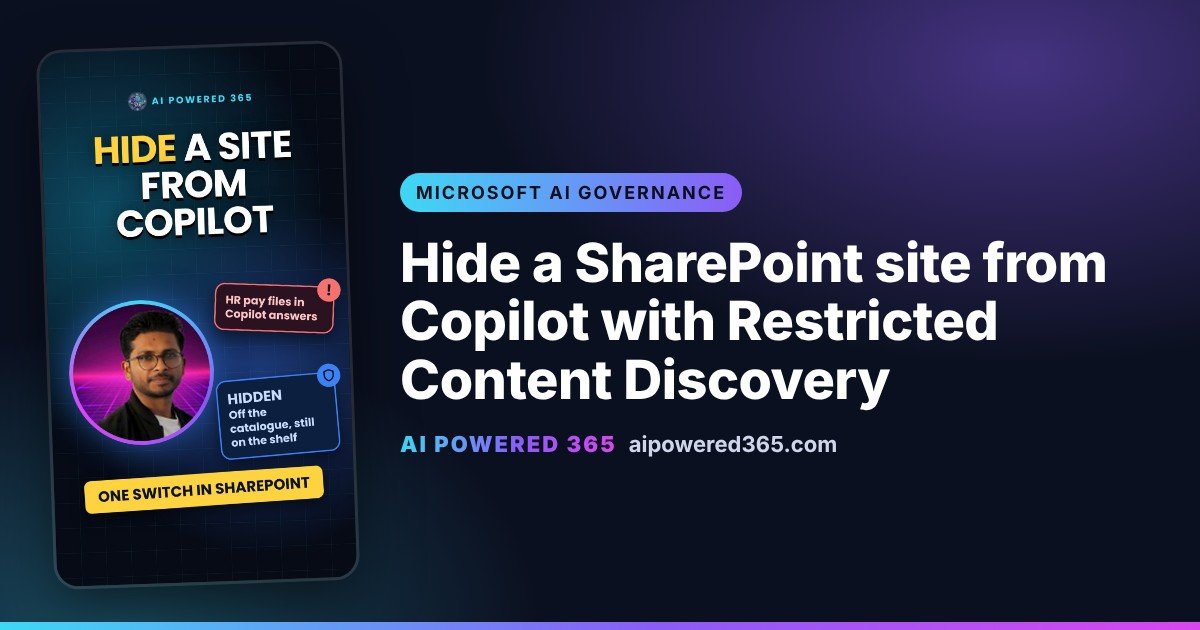
Hide a SharePoint site from Copilot with Restricted Content Discovery
Microsoft Copilot only shows people content they already have permission to open. That sounds safe, until you remember how many SharePoint sites are shared more widely than they should be. Restricted Content Discovery gives you a temporary control while you fix the sharing.
Think of a library
Restricted Content Discovery takes a book off the catalogue, but leaves it on the shelf. Search and Copilot stop pointing people to the site, but anyone who already has permission can still open it directly.
What it does
- Limits discovery of the site’s content, including recently used files, in organisation-wide search results.
- Limits discovery of the site’s content in Microsoft Copilot responses.
- Removes AI entry points on the site, such as the Copilot button, the AI actions menu (including creating agents) and Create pages with AI.
What it doesn’t do
It doesn’t change permissions, and people with access can still open the content directly. It doesn’t affect content someone already has open, it doesn’t remove content from the Microsoft 365 search index, it doesn’t affect searches started from inside the site, and it doesn’t affect Purview eDiscovery or auto-labelling.
Who sets it, and where
- In the SharePoint admin center, expand Sites and select Active sites.
- Select the site.
- Open the Settings tab and turn on Restrict content from Microsoft Copilot.
- Select Save.
By default only SharePoint administrators can manage it. They can delegate it to site administrators, who must give a justification for each change. Changes are recorded in the Microsoft Purview audit log, and admins can also use PowerShell (Set-SPOSite with RestrictContentOrgWideSearch).
Good to know
- SharePoint only. It isn’t supported for OneDrive.
- Big sites take time. For sites with more than 500,000 items, a change can take more than a week to show in search and Copilot.
- Licence. It is included with Microsoft Copilot licences as part of SharePoint Advanced Management.
- Status. Microsoft announced general availability on the SharePoint Blog in May 2025, and the Learn page shows no preview label.
Practical tip
Microsoft describes it as a temporary governance control and warns that overusing it makes search and Copilot answers less complete. Apply it to a handful of high-risk sites, fix who has access, then switch it off.
Sources
- Restrict discovery of SharePoint sites and content (Restricted Content Discovery), Microsoft Learn (updated 11 Oct 2026)
- SharePoint Advanced Management features in Microsoft Copilot licenses, Microsoft Learn (updated 18 Aug 2026)
- What is SharePoint Advanced Management?, Microsoft Learn (updated 28 Oct 2026)
- What’s new in Content Governance in SharePoint, OneDrive, and Teams for AI era, Microsoft SharePoint Blog (7 May 2025, RCD general availability)
One practical AI idea a day from AI Powered 365.
Share this content:












Post Comment