







Signal is blocking AI from reading your chats: how it works
On 20 November 2026, the secure messaging app Signal said it will restrict screenshots so that the AI assistants now built into phones cannot read your Signal chats. Signal’s president, Meredith Whittaker, called these phone AI agents “an existential threat to Signal”. Here is what that means in plain words.
The problem: AI that reads your screen
New assistants built into phones, such as Apple’s Siri AI and Google’s Gemini, help you by looking at what is on your screen. Signal explains that these agents “scan” the information on your screen to learn about you. Your messages are encrypted while they travel, but once they are shown on your screen, the phone’s own AI could see them. Think of someone reading over your shoulder on the bus.
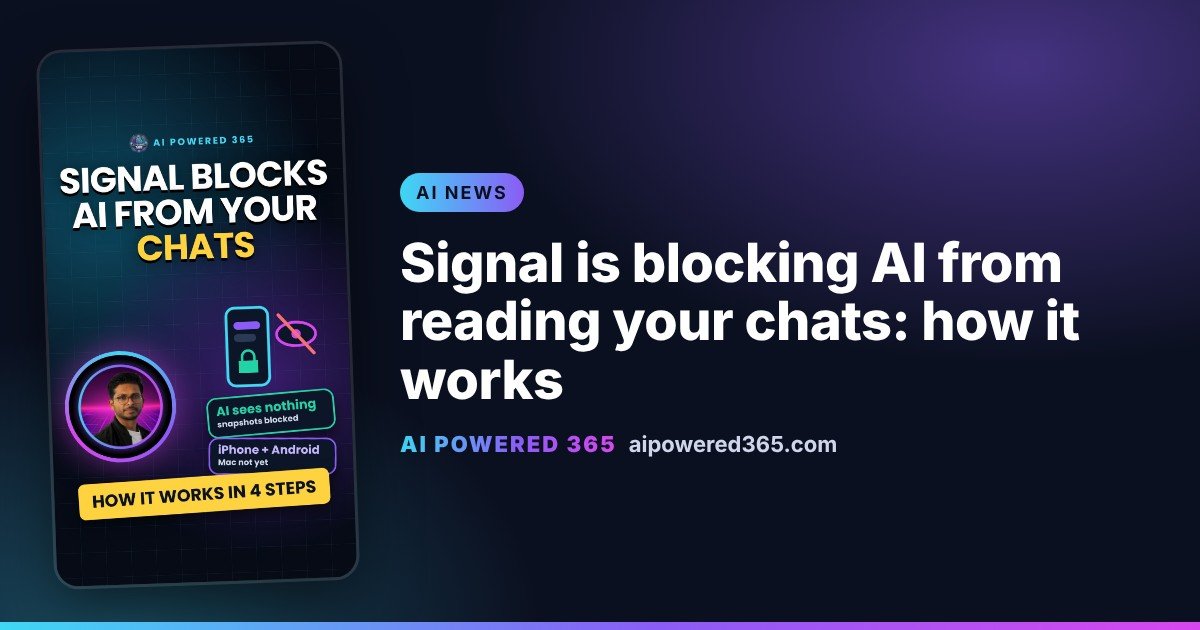
How Signal’s fix works, step by step
1. The AI takes a snapshot. To understand your screen, a phone assistant captures what is on it.
2. Signal spots it. Signal says it is restricting agentic systems built into iOS 27, and on Android versions where it can detect an AI assistant trying to read the Signal screen.
3. The AI sees nothing. On iPhone, Signal’s settings show a “Block Siri AI” option. On Android, Signal automatically turns on its “Screen security” setting when it detects this kind of access.
4. You can still choose. Signal says people who want to take screenshots can turn this protection off in the app’s settings.
What it does not cover
Signal says its remedy is “incomplete”. It does not stop other ways AI could reach data already stored on a device, such as through the file system. It is not available on Macs yet; for macOS 27, Signal’s only advice is to add Signal to Excluded Apps under System Settings > Siri. And if a contact turns the protection off, your shared conversation can be exposed on their phone. Signal is asking Apple, Google and Microsoft for an easy, well documented way for apps to opt out of AI data access.
Why it matters
For you, AI that can see your screen is useful, but it can also see private things. It is worth checking what your phone assistant is allowed to look at. For businesses, the same applies to work phones: check which apps hold sensitive data, and what screen-reading assistants can reach.
Sources
- Signal: Signal is Serious About Protecting Your Privacy, by Meredith Whittaker (20 Nov 2026)
- Reuters: Signal restricts screenshots to block AI agents from reading messages (20 Nov 2026)
- Engadget: Signal now blocks screenshots by default to stymie AI agents (20 Nov 2026)
One practical AI idea a day from AI Powered 365.
Share this content:













Post Comment