







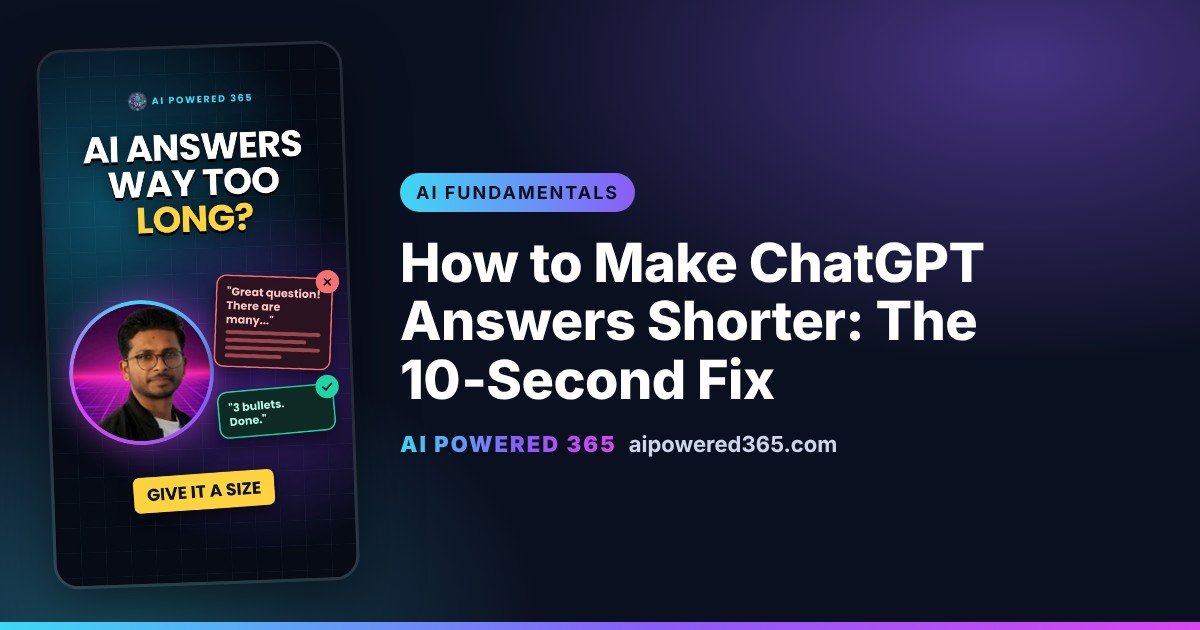
How to Make ChatGPT Answers Shorter: The 10-Second Fix
Want to know how to make ChatGPT answers shorter? The quickest fix is to tell it the size you want, for example “Answer in 3 bullet points, under 50 words.” Ask a quick question without a limit and you often get a whole essay, with the useful part buried somewhere in the middle.
Why are ChatGPT answers so long?
AI tools like ChatGPT, Claude, Copilot and Gemini can’t tell how much detail you want. A one-line answer might be too little for one person and just right for another. So the AI plays safe and covers everything: background, options, warnings and a summary. Helpful in theory, tiring when you only wanted the answer.
Think of a chatty friend giving directions
Ask a chatty friend “Where is the station?” and you might get the history of the town before you hear a single turn. Ask “Just the turns, please” and you get “Left, then second right.” Same friend, same knowledge. The only difference is a clearer ask.
How to get shorter AI answers
End your question with a size limit:
“Answer in 3 bullet points, under 50 words.”
For example: “How do I ask my boss for a day off? Answer in 3 bullet points, under 50 words.” You get something like: ask early, give the exact date, say who covers your work. Short, clear and ready to use.
Other size limits that work
- “In one sentence.”
- “In 3 steps.”
- “Under 100 words.”
- “Give me just the answer, no introduction.”
What if I need more detail?
Just ask. “Tell me more about point 2” gets you depth exactly where you want it, instead of everywhere at once.
Want it short? Give it a size.
Related guides
- Why AI Gives Generic Answers: The Prompt Tip That Fixes It
- Why AI Messes Up Big Tasks: Ask for a Plan First (Prompt Tip)
- How to Make AI Write in Your Style: The One-Example Trick
- Why ChatGPT Gives a Different Answer Every Time (and How to Use It)
- Watch this tip as a YouTube Short
- The full AI Fundamentals playlist
One practical AI idea a day from AI Powered 365.
Share this content:












Post Comment