







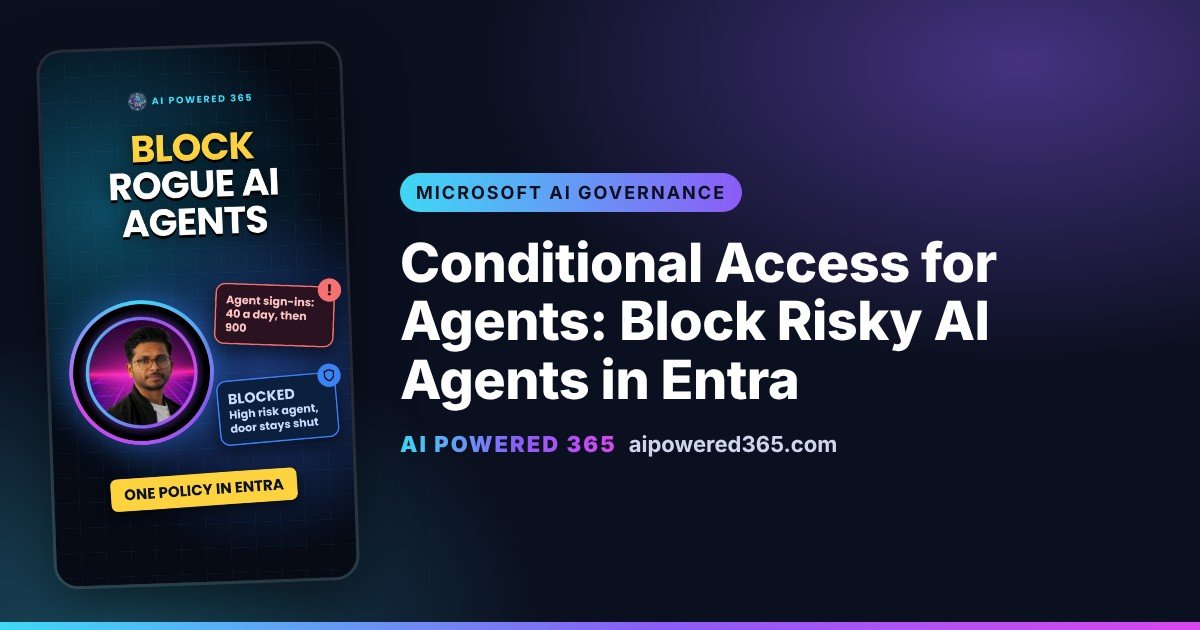
Conditional Access for Agents: Block Risky AI Agents in Entra
Conditional Access for agents lets you block AI agents in Microsoft Entra that start behaving like an attacker. If Entra ID Protection rates an agent as high risk, a Conditional Access policy can stop it signing in to your organisation’s resources.
Why do AI agents need Conditional Access?
Some agents now sign in with their own identity, not just through a person. If an agent is hijacked or misconfigured, it can open resources it never normally touches and sign in far more often than usual. Without a policy, someone has to notice first.
An everyday way to think about it
Think of an office pass. If the pass is flagged as risky, the door stays shut, even though the pass still exists. Conditional Access is the door, and the agent’s risk level is the flag.
How does agent risk work?
ID Protection for agents looks for patterns such as a sign-in spike, unfamiliar resource access, failed access attempts, directory reconnaissance and Microsoft threat intelligence. Admins can also confirm an agent as compromised, which sets its risk to High. Risky agents appear in the Risky Agents report in ID Protection, where you can also confirm safe, dismiss or disable an agent. Microsoft says agent risk detections are currently offline, so they are not real time, and a sign-in spike doesn’t automatically mean High risk.
How to block high-risk agents
- Sign in to the Microsoft Entra admin center as at least a Conditional Access Administrator.
- Go to Entra ID, Conditional Access, Policies, and select New policy.
- Under Assignments, select Users, agents or workload identities, choose Agents, then All agent identities.
- Under Target resources, include All resources.
- Under Conditions, set Agent risk (Preview) to Yes and select High.
- Under Grant, select Block.
- Set the policy to Report-only, check its impact, then switch it On.
What it doesn’t cover
- Agents acting for a user. A policy that targets agent identities doesn’t cover requests an agent makes on behalf of a user. Those follow your user policies.
- API keys. Calls made with an API key bypass Entra sign-in, so this policy doesn’t apply to them.
- Agent user accounts. These need their own policies. Policies for all users don’t include them.
- Sign-ins, not actions. It checks access when the agent signs in. It doesn’t watch every action an agent takes inside an app.
- One control. For agent identities, Block is the only grant control, because there’s no interactive way for an agent to fix the problem.
Licence and status
Conditional Access for agents needs Microsoft 365 E7, or Microsoft Agent 365 with at least Entra ID P1 or Microsoft 365 E3. Risk-based policies need Entra ID P2 or Microsoft 365 E5 with Agent 365. Microsoft Entra Agent ID is generally available, but Microsoft Learn states that agent risk is in preview, so treat this policy as a preview capability.
Related guides
- Block an AI agent across Microsoft 365 in the admin center
- Restricted Content Discovery: hide a SharePoint site from Copilot
- Purview DLP for Copilot prompts (preview)
- Agent sharing limits in Copilot Studio
- Watch this guide as a YouTube Short
- Microsoft AI Governance playlist on YouTube
Sources
- Conditional Access for agents, Microsoft Learn (updated 30 Sep 2026)
- Target agent identities in Microsoft Entra Conditional Access policies, Microsoft Learn (updated 30 Sep 2026)
- Secure autonomous agents with Conditional Access, Microsoft Learn (updated 30 Sep 2026; “Agent risk is in Preview”)
- ID Protection for agents, Microsoft Learn (updated 17 Jun 2026)
- What’s new in Microsoft Entra Agent ID, Microsoft Learn (updated 17 Nov 2026)
One practical AI idea a day from AI Powered 365.
Share this content:










Post Comment