







What Is Overfitting? Why AI Memorises Instead of Learning
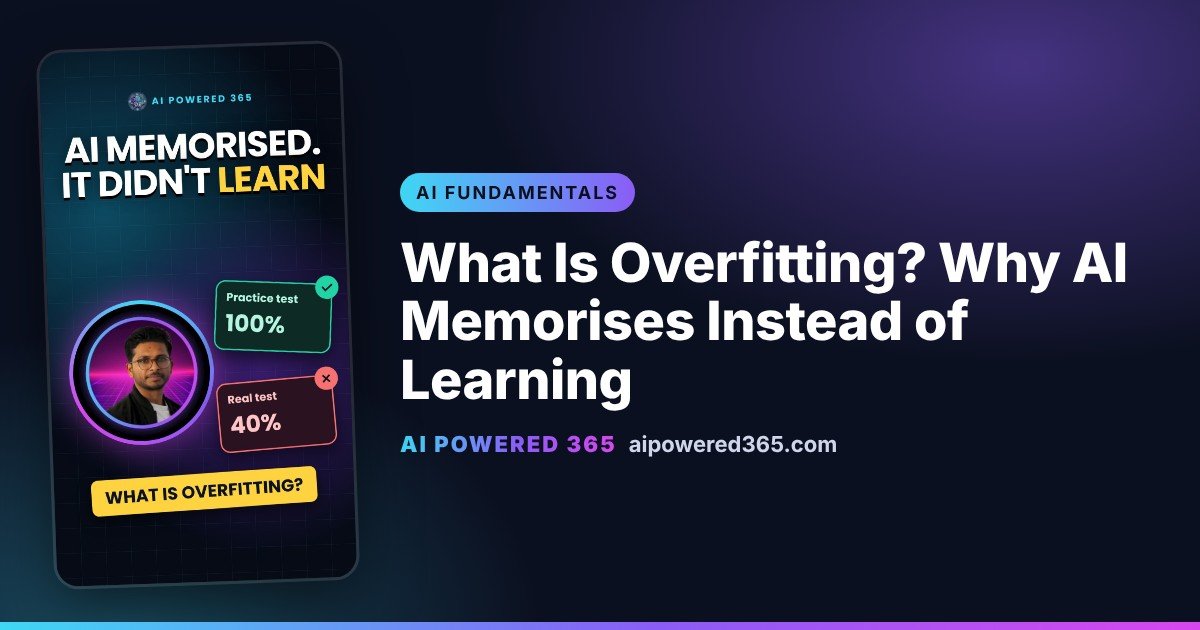
What is overfitting? Overfitting is when an AI model memorises its training examples instead of learning the pattern behind them. It scores brilliantly on data it has already seen, then stumbles on anything new.
What is overfitting, in plain words?
Think of two students preparing for an exam. The first learns last year’s answers by heart. The second learns how to solve the questions. On the practice paper, both score top marks. In the real exam, with new questions, the memoriser falls apart and the understander does fine.
AI can be either student. An overfitted model is the memoriser: it has tuned itself so tightly to its examples that it learned their quirks, not the rule.
What does overfitting look like in real life?
Here is an illustration. Imagine a photo app trained to spot wolves, where every wolf photo happened to have snow in the background. Show it your dog playing in the snow and it says “Wolf”. It memorised the snow, not the animal.
On a chart, an overfitted model draws a zigzag line through every single old data point. A good model draws a smooth line that follows the real trend, so when a new point arrives, it is close.
How do you catch overfitting?
Keep a hidden test. Data scientists set some examples aside that the model never sees while it learns, then mark it on those. If it gets 99% in practice but 62% on the hidden test, that big gap is overfitting. Never mark a model on questions it has already seen.
How to avoid overfitting with your own AI helpers
If you have built a custom GPT, a Copilot agent or a Claude project with example questions and answers, test it with questions that are not in your examples. If it handles the new ones well, it learned. If it only shines on your examples, it memorised, so add more varied examples and test again.
Related guides
- Correlation vs Causation: Why AI Sees Patterns, Not Causes
- What Is an AI Agent? Chatbot vs Agent, Explained Simply
- Why AI Makes Things Up (AI Hallucinations) and the 10-Second Fix
- Why ChatGPT Gives a Different Answer Every Time (and How to Use It)
- Watch this explainer as a YouTube Short
- The full AI Fundamentals playlist
One practical AI idea a day from AI Powered 365.
Share this content:













Post Comment