







Copilot Studio Data Policies: Block Agents With No Sign-In
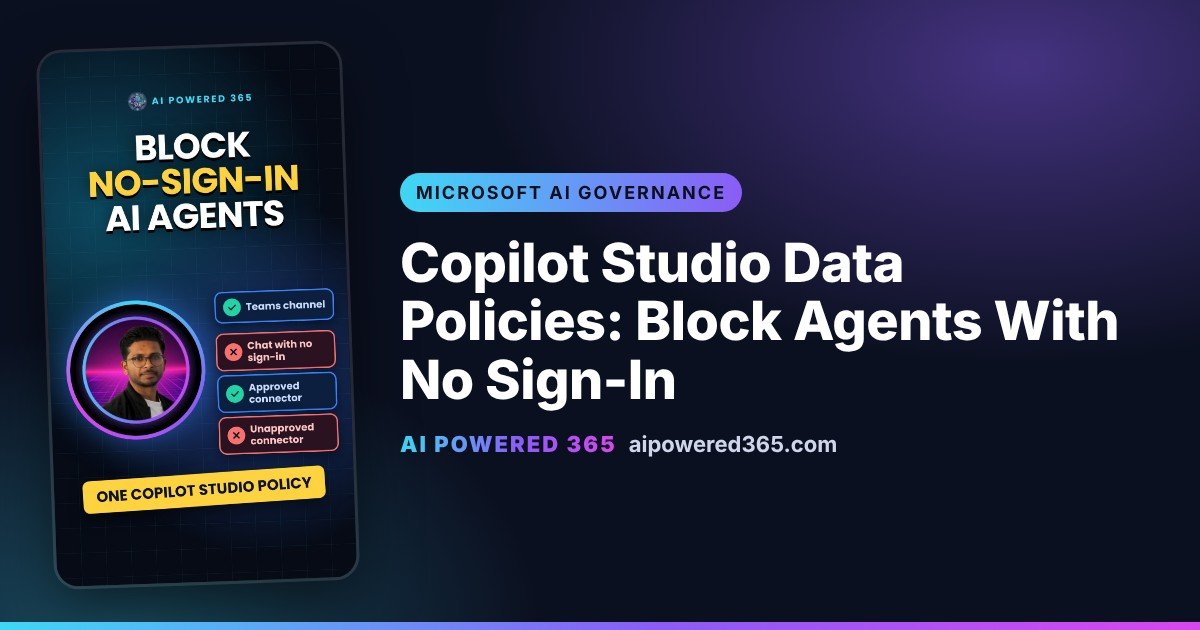
Copilot Studio data policies let IT decide which connectors, channels and features AI agents can use. One useful policy blocks Copilot Studio agents that let people chat with no sign-in, so makers cannot publish an agent that anyone who reaches it can use without authentication.
Why do Copilot Studio agents need data policies?
A maker builds a helpful agent and sets authentication to none. Microsoft says anyone who has the link (or finds it on a website) can then chat with it, and nobody can control which users in your organisation use it. Such an agent can only access public information and resources, but that may still not be what you intended. Data policies let admins set the rules up front.
An everyday way to think about it
Think of an office building. Some doors are open to anyone, some need a badge, and IT decides which ones. Data policies let IT decide which agent doors need a badge and which connections are allowed.
How do Copilot Studio data policies work?
- The admin sorts connectors into groups: Business, Non-business and Blocked. Connectors that need to share data must sit in the same group.
- The policy covers the environments you choose: all environments, several, or all except some.
- Makers see blocked items as disabled. A blocked connector appears disabled when adding tools, and a blocked channel appears disabled when publishing.
- If an agent breaks the policy, the Publish button becomes unavailable. Users of a published agent that breaks a policy see an error with the code DataLossPreventionViolation.
How to block Copilot Studio agents with no sign-in
- Sign in to the Power Platform admin center as a tenant admin or with the Environment Admin role.
- Select Security, then Data and privacy, then Data policy.
- Select New Policy (or edit an existing one), give it a name, and continue to Assign connectors.
- Search for Chat without Microsoft Entra ID authentication in Copilot Studio, select the three dots next to it, then Block.
- Define the scope (which environments), review, then select Create policy.
After that, makers can only use Authenticate with Microsoft or Authenticate manually for their agents. New agents already start with Authenticate with Microsoft turned on.
What else can data policies control?
Channels (such as Direct Line, Teams and Microsoft 365, SharePoint and WhatsApp), HTTP requests, Skills, Application Insights, connectors used as tools, and allowed endpoints for SharePoint or public websites used as knowledge sources.
What to watch out for
- Enforcement is on for everyone. Microsoft Learn says data policy enforcement has been in effect for all tenants since early 2025, and agents can no longer be exempted.
- Newer control in preview. Authentication for agents (Power Platform admin center, Security, Identity and access) sets allowed sign-in methods per environment or environment group. Microsoft lists it as the replacement for the Chat without Microsoft Entra ID authentication connector. While classic data policies are evaluated, both apply and the most restrictive setting wins.
- ACP-only mode. If you use advanced connector policies in ACP-only mode, classic data policies are ignored for that scope, so use the dedicated agent settings instead.
- Test before you roll out. Microsoft warns that misaligned policies, such as blocking new connectors by default, can cause production outages, for example blocking Direct Line or website agents that do not use sign-in.
- Help people fix it. Makers can download an Excel list of violations from the Channels tab. Admins can add a support email to the error message with PowerShell.
Status
The Microsoft Learn pages describe data policies for agents as a current feature with no preview label, and say enforcement applies to all tenants since early 2025. The newer Authentication for agents setting is marked preview (prerelease documentation, not meant for production use).
Related guides
- Copilot Studio agent sharing limits: Managed Environments guide
- Copilot Studio knowledge sources: admin controls for AI agents
- How to block an AI agent in the Microsoft 365 admin center
- Conditional Access for agents: block risky AI agents in Entra
- Watch this guide as a YouTube Short
- Microsoft AI Governance playlist on YouTube
Sources
- Configure data policies for agents, Microsoft Copilot Studio, Microsoft Learn (updated 22 Oct 2026)
- Troubleshoot data policy enforcement for Copilot Studio, Microsoft Learn (updated 17 Jan 2026)
- Data policies, Power Platform, Microsoft Learn (updated 14 Oct 2026)
- Key concepts: Copilot Studio security and governance, Microsoft Learn (updated 5 Nov 2026)
- Configure user authentication in Copilot Studio, Microsoft Learn (updated 22 Oct 2026)
- Configure authentication for agents (preview), Power Platform, Microsoft Learn (updated 11 Jun 2026)
- Advanced connector policies, Power Platform, Microsoft Learn (updated 21 Nov 2026)
One practical AI idea a day from AI Powered 365.
Share this content:









Post Comment