




Copilot Studio: IT now decides what your AI agent can read
Who decides what your AI agent is allowed to read? Until recently, that choice sat mostly with whoever built the agent. Microsoft’s October 2026 Copilot Studio update gives IT admins a single place to set the rules.
What changed
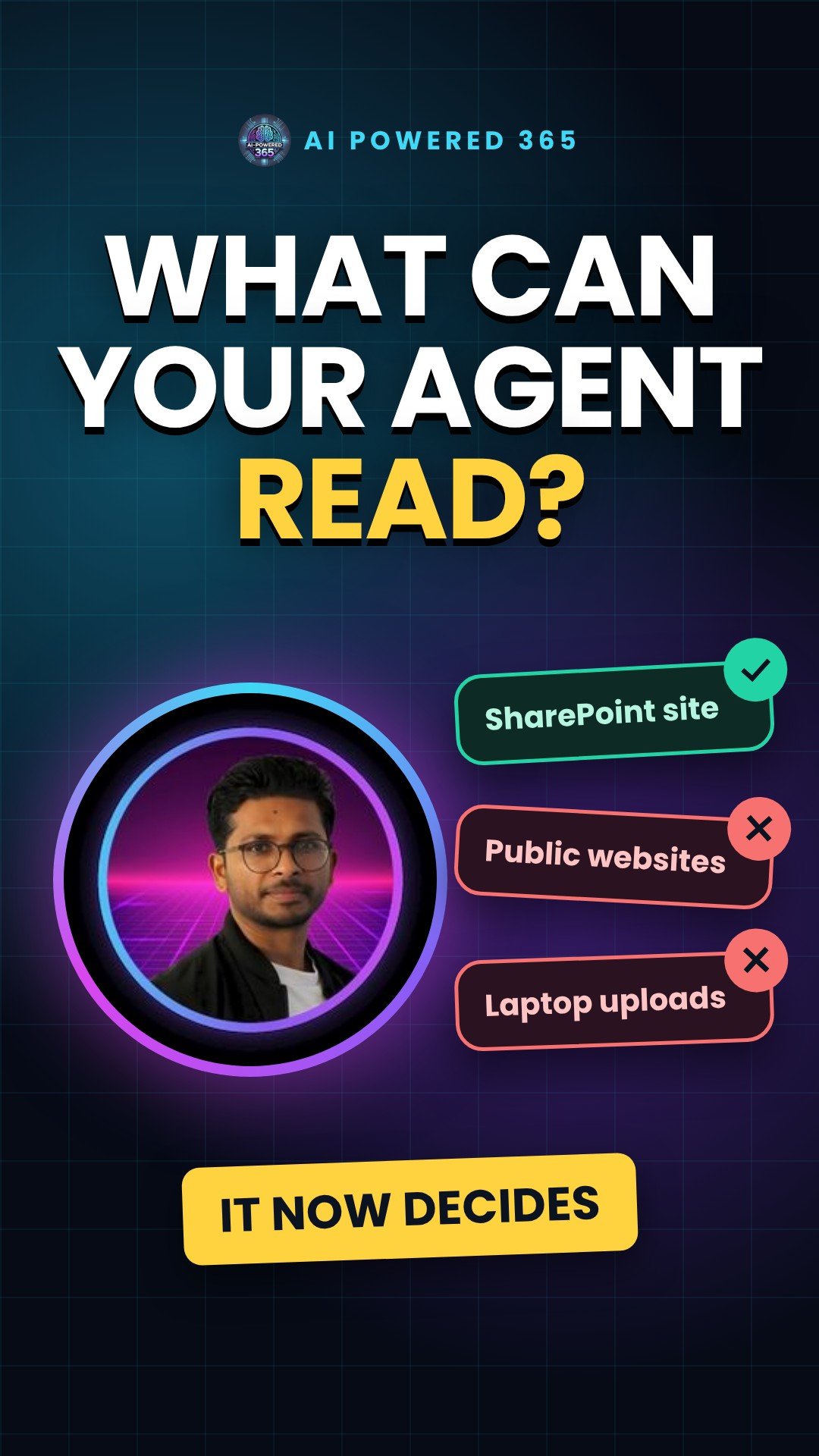
Admins can now control which knowledge sources makers are allowed to add to their agents, straight from the Power Platform admin center. You can restrict local file uploads, SharePoint and OneDrive, or public websites, independently or together, to match your organisation’s data governance policies. It is listed in Microsoft’s “What’s new in Copilot Studio” page for October 2026. Status: preview. The release notes do not label it, but the admin documentation describes it as preview, so treat it as preview for now.
Think of it like a keycard
When a new starter joins, you do not hand them a key to every room. You give them a keycard that opens the doors they need. This setting is the keycard for your agents. There are three doors:
- SharePoint and OneDrive: None, All, or Custom. With Custom you list site URLs and mark each one Allow or Deny.
- Public websites: None, All, or Custom, in the same way.
- Uploaded documents: Yes or No. Note that No only blocks local uploads; files from SharePoint or OneDrive follow the SharePoint and OneDrive rule.
Where to find it
In the Power Platform admin center, go to Security, then Data and privacy, then Knowledge sources for agents. Pick an environment or an environment group, select Manage knowledge sources, choose your options and save.
A simple example
A finance team wants an agent that answers questions about expense policy. You allow only the finance SharePoint site, set public websites to None and turn off document uploads. The agent can now only be given approved sources, which keeps random files and websites out.
Two things still matter. First, the agent answers on behalf of the signed-in user, so it only shows SharePoint content that person can already open. If the finance site is shared too widely, the allow list will not fix that, so pair it with a SharePoint access review. Second, if you want answers to stick to those sources, check the agent’s “Allow ungrounded responses” setting. When it is on, the agent can also answer from the model’s general knowledge.
Practical tip
Set the rule at the environment group level. Microsoft’s documentation explains that a control set on a group is passed down to each environment and cannot be changed there, so one decision covers every environment in that group.
Sources
- What’s new in Copilot Studio (October 2026), Microsoft Learn
- Choose knowledge sources for agents built in Copilot Studio, Microsoft Learn (updated 22 Oct 2026)
- Configure knowledge sources for agents in the Power Platform admin center, Microsoft Learn
- Add SharePoint as a knowledge source, Microsoft Learn
- Knowledge sources summary (Allow ungrounded responses), Microsoft Learn
Updated 16 November 2026: status corrected to preview, and notes added on SharePoint permissions and ungrounded responses. Thanks to a reader for the feedback.
One practical AI idea a day from AI Powered 365.
Share this content:












Post Comment