






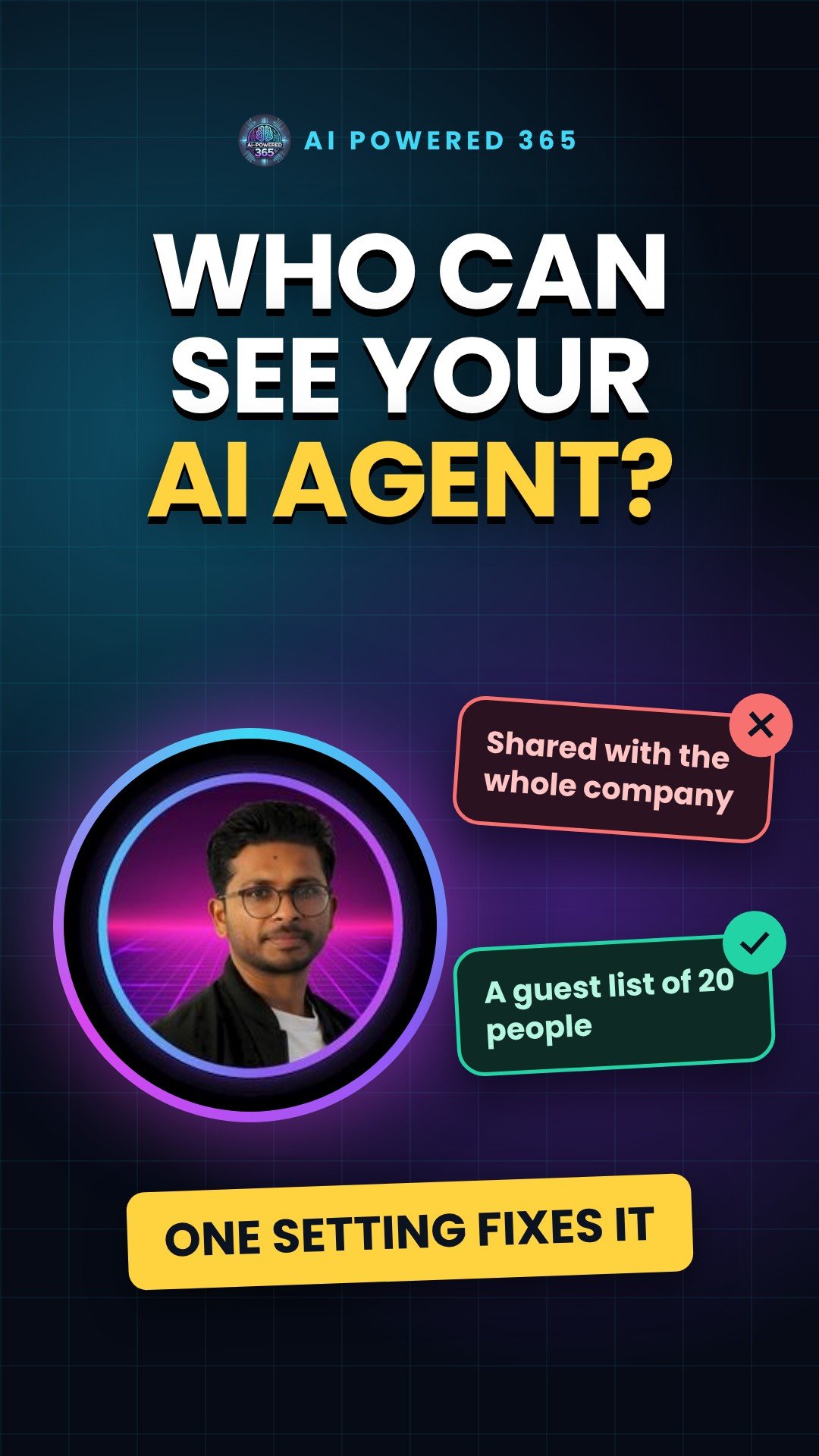
Who can your AI agent be shared with? Agent sharing limits in Copilot Studio
Who can your AI agent be shared with? In Copilot Studio, owners and editors can share an agent, and one click can share it with an entire security group. Sharing limits let IT put a guest list on it.
Think of a party invite
Without limits, anyone with the invite can forward it to everyone they know. With limits, it becomes a guest list: named people only, up to a number you choose.
What IT can control
Sharing limits for agents are a Managed Environments control in the Power Platform admin center. There are three main settings:
- Let people grant Editor permissions: controls whether makers can share an agent with people who can change, configure and publish it. Editor permissions can only go to individuals, never to security groups.
- Let people grant Viewer permissions: controls whether makers can share with people who can only chat with the agent, including security groups.
- Only share with individuals (no security groups): blocks security group sharing, and lets you cap the number of viewers for each agent.
Where to find it
In the Power Platform admin center, select Manage, then Environments, pick a managed environment, select Edit Managed Environments, and use the Manage sharing section. You can also apply the controls at scale with environment groups and rules.
Good to know
The rules apply when someone tries to share. People who already have access keep it, but an agent that breaks the new rules can only be unshared until it complies. It can take up to an hour for the rules to start working, and the limits apply to agents that require sign-in.
Status
Microsoft’s release plan lists block and limit sharing for Copilot Studio as generally available since 23 May 2025, after a public preview from 17 December 2024. Neither Learn page marks the sharing limits as preview.
Practical tip
Start with Viewer sharing to individuals only and a sensible cap, then widen it for teams that need more. To apply it at scale, add managed environments to an environment group and publish the rule: only published rules are enforced.
Sources
- Control how agents are shared, Microsoft Copilot Studio, Microsoft Learn (updated 5 Nov 2026)
- Limit sharing (Managed Environments), Power Platform, Microsoft Learn (updated 2 Mar 2026)
- Block and limit sharing for Copilot Studio, Power Platform release plan (public preview 17 Dec 2024, generally available 23 May 2025)
- Environment groups, Power Platform, Microsoft Learn (updated 16 Dec 2025)
One practical AI idea a day from AI Powered 365.
Share this content:









Post Comment