







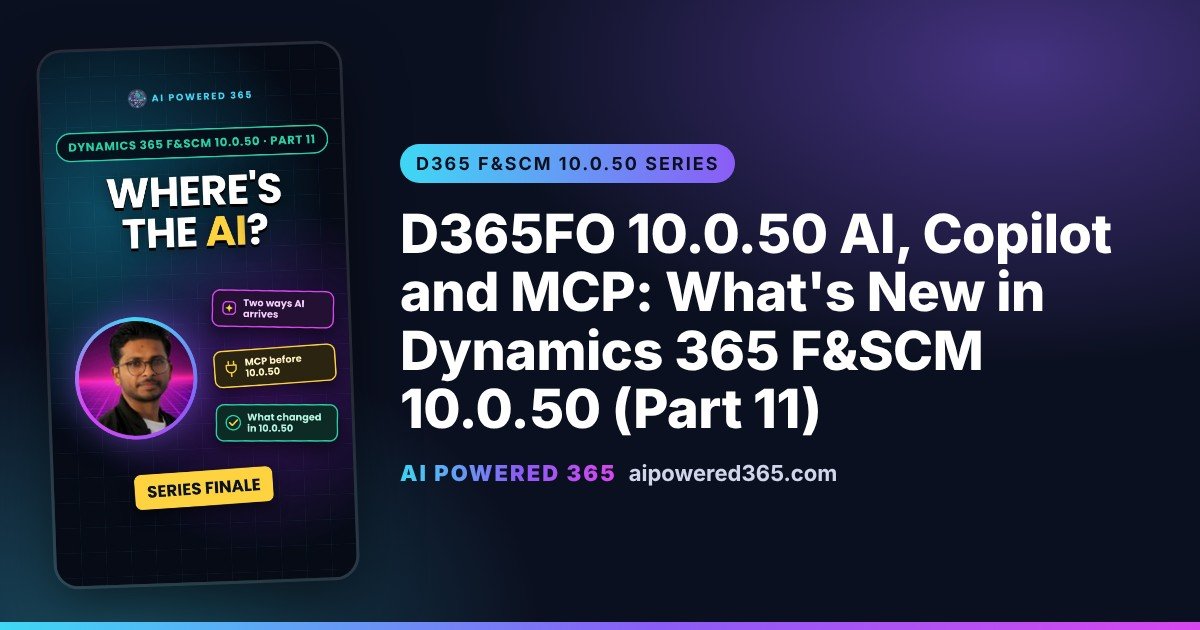
D365FO 10.0.50 AI, Copilot and MCP: What’s New in Dynamics 365 F&SCM 10.0.50 (Part 11)
What’s new for AI, Copilot and MCP in Dynamics 365 F&SCM 10.0.50? This is Part 11, the final part of my 10.0.50 series. There are a couple of AI-related changes, but the bigger story is how Microsoft delivers AI.
Also searched as D365FO 10.0.50, D365 F&O 10.0.50 and D365 FSCM 10.0.50.
Two ways AI reaches Dynamics
Think of your phone. Some new features come with the next system update, and others arrive when your apps update. Dynamics is similar. Some AI features come in the version updates: the 10.0.48 platform update added deep links and attachment support for the Dynamics 365 ERP MCP server. Others arrive through separate Copilot apps in your Power Platform environment, such as Copilot for finance and operations apps and Copilot in Dynamics 365 Finance, each with its own version number.
MCP: no need to wait for 10.0.50
MCP, the Model Context Protocol, works like a universal plug that lets AI agents, including ones built in Copilot Studio, work with your Dynamics data and business logic. The Dynamics 365 ERP MCP server needs version 10.0.47, 10.0.46 PQU-2 or 10.0.45 PQU-7, and Microsoft says it’s enabled by default. The agent works with the same security access as the user, and administrators choose which agent platforms can connect in the Allowed MCP clients form. With deep links, AI answers from the server can take you straight to the records they used.
What actually changed in 10.0.50
In Procurement and sourcing, the Procurement Agent’s custom follow-up email scenarios are now enabled by default, as covered in Part 8. In Finance, the Account reconciliation workspace gains budget control reconciliation. It compares what budget control recorded for source documents with what was posted to the general ledger, and lists each difference as an exception to investigate. It needs budget control and posting definitions turned on.
The Account reconciliation agent itself uses AI. But Microsoft’s agent page lists only voucher amount mismatch and pending accounting transferred to general ledger as the exceptions it processes, so budget differences aren’t a documented AI recommendation.
Before production
Don’t assume every new AI feature needs the latest version. Check the release notes, your Copilot app versions, Feature management and your MCP settings, and check security and preview status before you use anything in production.
Related guides
- D365FO 10.0.50 Developers and Integration: What’s New in Dynamics 365 F&SCM 10.0.50 (Part 10)
- D365FO 10.0.50 Rental Management: What’s New in Dynamics 365 F&SCM 10.0.50 (Part 9)
- D365FO 10.0.50 Procurement and Asset Management: What’s New in Dynamics 365 F&SCM 10.0.50 (Part 8)
- Watch the whole 10.0.50 series on YouTube
- Watch Part 11 as a YouTube Short
Sources
- Microsoft Learn: What’s new or changed in Dynamics 365 Finance 10.0.50
- Microsoft Learn: What’s new or changed in Dynamics 365 Supply Chain Management 10.0.50
- Microsoft Learn: Platform updates for version 10.0.48
- Microsoft Learn: Use Model Context Protocol for finance and operations apps
- Microsoft Learn: Enable Copilot capabilities in finance and operations apps
- Microsoft Learn: Account Reconciliation Agent
One practical AI idea a day from AI Powered 365.
Share this content:










Post Comment