







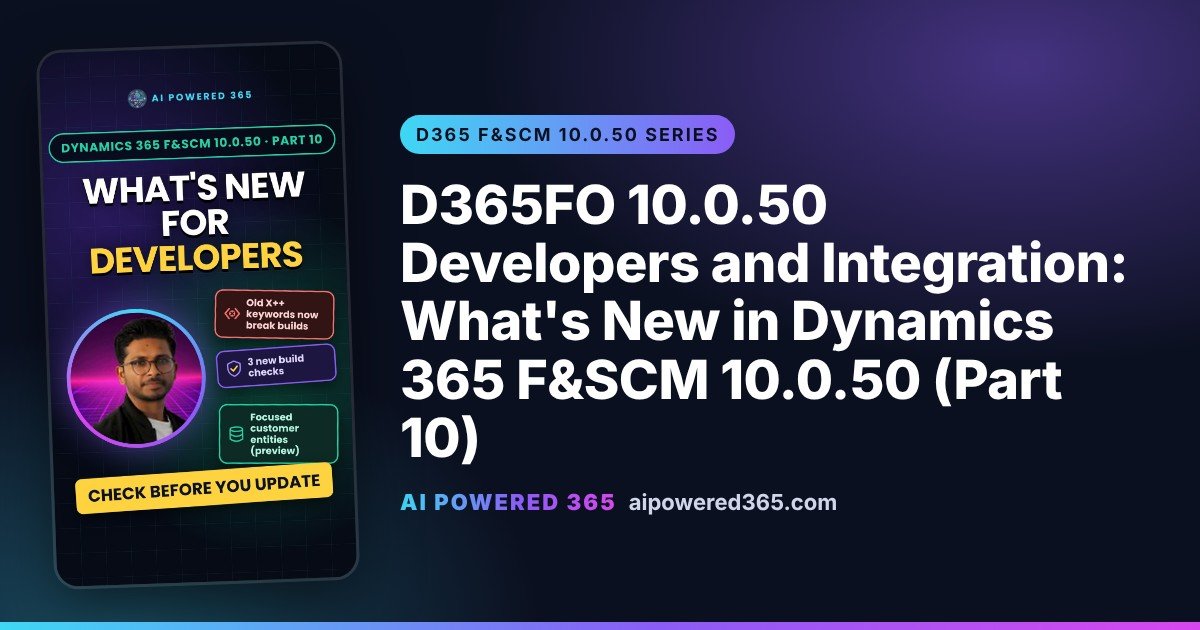
D365FO 10.0.50 Developers and Integration: What’s New in Dynamics 365 F&SCM 10.0.50 (Part 10)
D365FO 10.0.50 Developers and Integration: what’s new for developers and integration teams in Dynamics 365 F&SCM 10.0.50? This is Part 10 of my 10.0.50 series, covering three changes from Microsoft’s release notes.
Also searched as D365FO 10.0.50, D365 F&O 10.0.50 and D365 FSCM 10.0.50.
1. client and server keywords are now compilation errors
Imagine a build that has worked for years and fails after the update. One reason could be the client and server keywords on X++ methods. They made sense in AX 2012, when code could run on either tier. Today all methods run on the server, so the keywords do nothing. Version 10.0.48 flagged them as warnings, and in 10.0.50 they are compilation errors. Remove them from your code before you update.
2. Three new checks
The platform update adds one best practice rule and two compiler validations:
BPErrorAggregateFieldInUpdateRecordsetSettingdetects unsupported aggregate expressions in update_recordset.IndexCannotContainVirtualFieldstops an index from containing a field with SaveContents set to No.FormControlNotFoundchecks the Target Control property.
Like a spell checker, they catch mistakes when you build, not when your users find them.
3. Optimized customer entities (public preview)
Customers V3 covers almost everything about a customer. The optimized entities split customer data into focused pieces for Data management and OData: Customers foundation and Customers foundation extended, Customer electronic addresses, Customer postal addresses V2, and Customer associations for invoice account and payment terms. Less unrelated data has to be processed when an integration changes only one kind of customer information.
In 10.0.50 they are in public preview. Turn on the two preview features in Feature management, in order, and wait until both tasks of the data maintenance job show Complete. Keep your production integrations on Customers V3 while you try the new entities in a sandbox. Note: the Finance release notes list this feature as on by default, but the detailed article describes the two preview features to enable.
Before you update
Search your code for the client and server keywords, rebuild, and fix anything the new checks report.
Related guides
- D365FO 10.0.50 Rental Management: What’s New in Dynamics 365 F&SCM 10.0.50 (Part 9)
- D365FO 10.0.50 Procurement and Asset Management: What’s New in Dynamics 365 F&SCM 10.0.50 (Part 8)
- D365FO 10.0.50 Planning: What’s New in Dynamics 365 F&SCM 10.0.50 (Part 7)
- Watch the whole 10.0.50 series on YouTube
- Watch Part 10 as a YouTube Short
Sources
- Microsoft Learn: Platform updates for version 10.0.50 of finance and operations apps
- Microsoft Learn: What’s new or changed in Dynamics 365 Finance 10.0.50
- Microsoft Learn: Optimized customer data entities overview
One practical AI idea a day from AI Powered 365.
Share this content:













Post Comment